
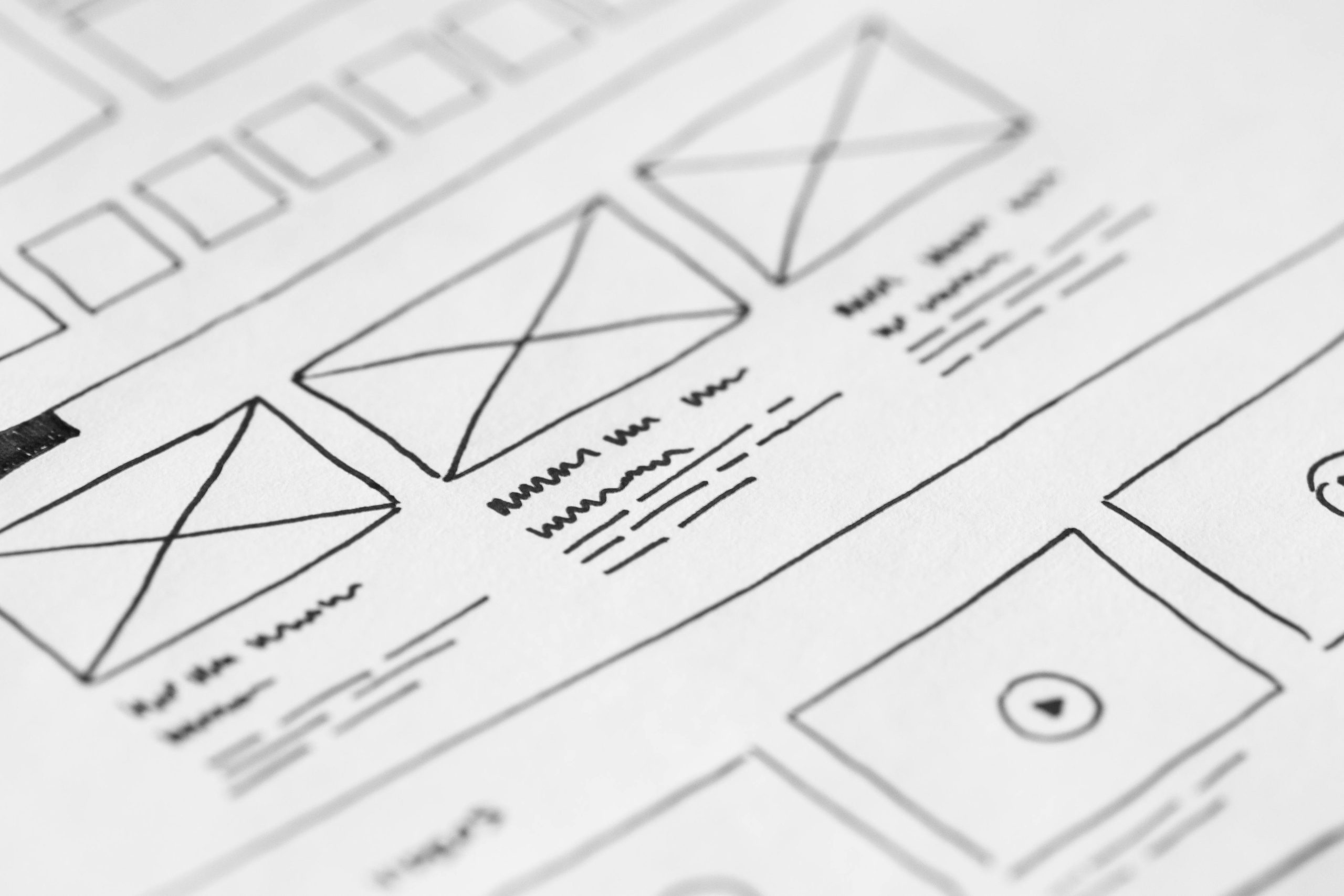

UX design planning has moved beyond starting with wireframes and educated guesses. Modern AI tools reveal real user behaviors, points where users drop off, and intent signals before any design work begins. This allows teams to shape flows, onboarding paths, and feature priorities based on evidence rather than speculation. The result: faster iteration cycles and less wasted effort on redesigns.
80% of UX designers agree that AI can improve the personalization of user experiences. 78% of businesses implementing AI report faster decision-making in UX design. (Source: worldmetrics.org)
For years, teams approached user experience design and app design and development with a set of familiar habits. These were the practices that felt safe, repeatable, and efficient. They worked well when products moved slowly, user expectations were basic, and iteration cycles measured in months didn’t threaten market share. But the world of UX design has shifted so quickly that UX designers need to change too.
AI can crank through UX tasks at lightning speed. Researching, ideating, prototyping, and testing faster than any traditional workflow. Early concepts can be iterated in minutes rather than days, slashing delivery times and trimming costs.
But here’s the catch. AI UX designs can feel like Deja Vu. Predictable. Generic. Without a human hand to guide, tweak, and shape them, UX design risks ending up indistinct and inconsistent. Speed alone doesn’t make a solution good. If the goal is meaningful, well-crafted user experiences, human judgment is still the secret ingredient.
The ideal mix is human creativity with AI efficiency. Here are the core practices and mindsets that 2026 forces teams to leave behind — not because they were wrong, but because they no longer match the reality of how products get built, tested, and experienced today.
1. Designing based on opinion or past experience
In traditional workflows, product and UX teams kicked off planning with brainstorming sessions, wireframes, and gut calls shaped by past projects. Onboarding flows, navigation structures, and feature sets were often built on educated assumptions, then validated only after launch through surveys or analytics that trailed real user impact. That rhythm, where research and validation came later, no longer works. Today’s tools reveal behavioral signals before release, letting teams observe hesitation points, skipped steps, and drop‑off patterns during early testing — long before churn appears in the metrics. AI makes UX design intuitive on a whole new level.
2. Waiting for research cycles to make decisions
Waiting weeks for focus groups, surveys, or remote testing to wrap up delays iteration and disconnects design from real usage contexts. Modern UX teams complement user experience design with AI‑driven insights that analyze thousands of interactions instantly, revealing emerging patterns and unexpected user paths without manual sifting. These real‑time insights aren’t replacements for thoughtful research — they make research continuous and actionable, not retrospective.
3. Onboarding flows are all alike
Static onboarding paths were once the norm in app design. Everyone saw the same screens, regardless of their background, intent, or experience. Now, AI tailors the journey based on behavior, role, or past interactions, are increasingly common. AI tracks behaviors in real time, noting clicks, pauses, and skipped steps and dynamically adjusts each user’s journey. This helps people reach the core value of a product faster, removing unnecessary steps.
By showing simplified steps to one user and deeper guidance to another, teams reduce early churn and help users reach value faster. This kind of personalization, powered by real‑time behavior clustering rather than guesswork, is reshaping user onboarding design.
4. Planning features from loud feedback or internal votes
Historically, feature prioritization often leaned on vocal stakeholder opinions or qualitative feedback from a handful of users. Predictive UX signals, however, show what actual users click, revisit, or abandon at scale, leading teams to focus on features that move key metrics rather than those that sound strategic in internal meetings. These insights come not after a redesign ships but before, letting planning become proactive instead of reactive.
5. Prototypes exist to show finished ideas
Prototypes used to be polished enough to convince stakeholders that a concept “works.” Today they are dynamic experiments: variations generated rapidly, tested with real‑time signals or high‑velocity predictive models, and iterated based on evidence rather than approval cycles. This mindset shift accelerates iteration and reduces waste.
6. Waiting for problems to appear before fixing them
Waiting for churn, support tickets, or public feedback delays improvements and harms retention. Predictive behavior analytics detect friction points — such as repeated dead taps or hesitation moments — before they translate into churn. Detecting these issues in staging environments or early tests means teams can adjust onboarding, navigation, or copy proactively.
7. Freezing UX until the next redesign cycle
Traditional UX processes operated in big, gated releases. Products shipped, teams learned, and changes queued for the next sprint. Now, continuous small adjustments — micro‑optimizations informed by live usage patterns — reduce the need for massive redesigns and help maintain momentum without overwhelming development cycles.
8. Equating cross‑platform UX with responsive design
Responsive layouts were once the gold standard. But today users expect true continuity: beginning a task on a phone, switching to a tablet, and finishing on a laptop — all without friction or re‑orientation. Designing for task continuity, not just pixel responsiveness, is an essential shift in how teams approach user experience design across devices.
9. Measuring UX success by completion or click‑through metrics
Raw task completion rates can hide confusion, hesitation, or misinterpretation. Behavioral signals — such as repeated toggles between steps, time spent hesitating before an action, or skipped sections — provide deeper insight into user experience health. Modern teams use these richer signals to diagnose friction early and adjust flows before they affect retention.
10. Finally, treating UX decisions as separate from broader product strategy
The shift toward real‑time analytics and shared insights means product managers, founders, and UX designers all operate on the same evidence. Rather than design decisions being siloed in UX teams and only validated later, shared data and behavioral clarity help align roadmaps, planning, and execution across the entire product organization.
Its Time To Start Treating UX As A Living System, Not A Static Checklist
In 2026, AI will have become a default business tool. One that developers, designers and users, use extensively. This raises expectations as your users now know the breadth of what is possible and wont settle for less. They know what the best in the business are doing and directly compare you to them, no less. So UX design needs a fundamental revolution.
Traditional UX often treats experiences as static. Launch a design, wait for feedback, and schedule updates months later. Real users, however, never follow perfectly linear paths. Static designs struggle to keep up.
Treating UX as a living system changes that. Behavior patterns continuously inform decisions, letting teams adjust flows, copy, or navigation elements without overhauling everything.
This reduces wasted effort, prevents unnecessary development cycles, and ensures every update aligns with actual user needs. Products that adapt from day one avoid early friction and improve retention immediately.
Conclusion
UX in 2026 is no longer something you design once and refine later. It is something that responds, adjusts, and learns as users interact with it. The habits that worked before 2024–25 were built for slower products, clearer paths, and more predictable behavior. That world is gone.
Teams that unlearn these patterns early will move faster with less rework, fewer false assumptions, and stronger user trust. The advantage will not come from chasing every new tool or trend, but from treating user experience design as a living system that evolves alongside real usage, not internal opinions.
For founders and product leaders, this shift changes how decisions get made. UX stops being a phase in app design and development and becomes a continuous source of clarity. When experience design is guided by real behavior, teams don’t guess what to fix next. They know.
If you are rethinking how your product’s UX should evolve in 2026, especially in cross-platform experiences, or AI-driven workflows, this is exactly the kind of transition we help teams navigate. Quietly, collaboratively, and with a focus on building systems that hold up long after launch. Get in touch today to explore possibilities.

 For business inquiries
 For jobs inquiries